The RUNRIGHT-3D App — Instant Gait Analysis & Running Shoe Recommendations
What Is the RUNRIGHT-3D App?
The RUNRIGHT-3D System works with a bespoke running shoe analysis app to display all the analysis results quickly.

Capture a Runner’s Gait in Seconds
The RUNRIGHT-3D Running Shoe Analysis App simplifies gait analysis and shoe recommendations by doing the analysis for you—fast, accurate, and easy to understand.
1) Run.
2) Press ‘Record’.
3) Analyse the scores.
4) Repeat until you find the ideal shoe.
Simple, but very clever.
View Clear Running Shoe Analysis Results
The system identifies 42 different parameters, 15 performance micrometrics and 4 perfomance macrometrics before giving 1 clear score for each shoe, giving staff confidence to recommend the right shoes.
Compare Running Shoes Side by Side
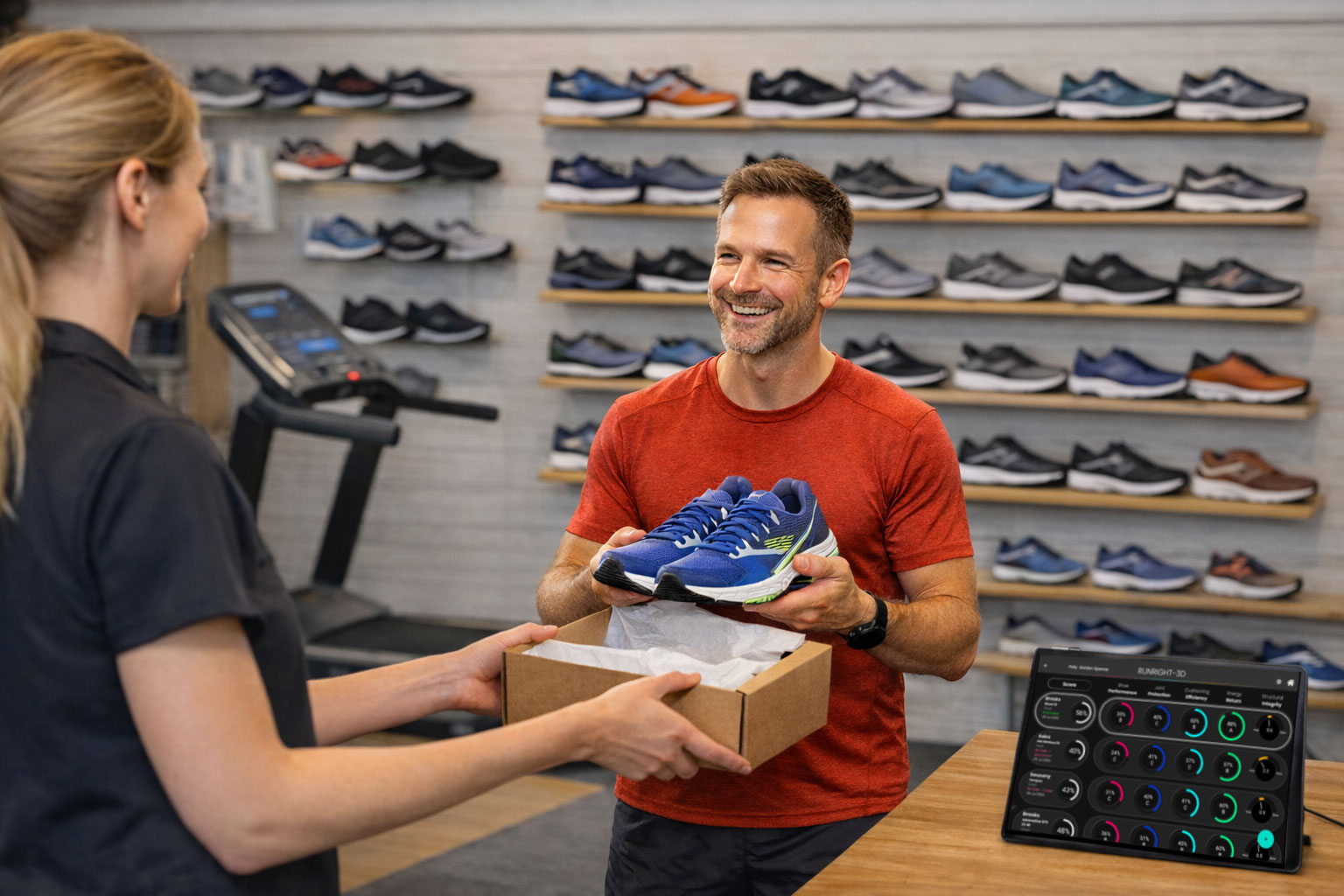
The data is displayed in the running shoe analysis app in easy-to-read dials. Simply, hit the record button, and within 20 seconds, the dials are populated with the analysis scores. This then allows you to discuss each shoe with your customer. This process is repeated until you have the best shoe for your customer’s needs and running style. The scores are stacked on top of each other for easy comparison; if you find a shoe that falls below your needs, you can delete it. I And if you want to delve deeper, you can explore each metric in detail to make a more precise, evidence-based decision.
To finish, just tag the shoe sold and note the reasons for not choosing the other options. Once the session is complete, the customer automatically receives an email report summarising their analysis.
Calibration and updates
Within the App’s settings, you can also easily calibrate the system. Updates for the Running Station are also delivered over the air through the App and updates for the App are available via the Play Store.


MacrometricsMore info

MicrometricsMore info

The App delivers the experience and expertise
that your competitors and on-line stores can’t match.
Key Features of the RUNRIGHT-3D App
Intuitive Tablet-Based Interface
Easy for retail staff, minimal training required.
Objective Running Biomechanics Data
Removes guesswork from shoe fitting.
Clear Visual Reports for Customers
Helps customers understand why a shoe is recommended.
Fast, Consistent Results
Emphasise speed and repeatability in busy retail environments.

The RUNRIGHT-3D Running Shoe App Process
1/ Open the App

The Running Analysis App can be downloaded from the Google Play Store and installed on your Android App. We provide you with login details which you can change at any time. We then set your store up in the system and load the running shoes that you are selling each season.
2/ Set up the Analysis

Snap: a quick no-nonsense analysis for busy occasions, no customer details are collected.
Pro: Our No 1 analysis, scores are filtered by age, speed and in some cases height. Customer details as required as this mode provides an email report.
Elite: There is no filter here – just your customer ‘s elite data.
3/ Customer Details

Here you add your customer details as defined by the boxes. Height and weight are required to calculate forces. Age is by year of birth only. We also record the customer’s email address for Customer Email Reports. This data is held in a secure Azure database, and when a customer returns, you can draw down their details, including previous purchases, etc.
4/ Shoe Tagging

For each analysis we tag the shoe the customer runs in, to that analysis. You’ll have your own local shoe database listing the shoes you stock. When a customer returns you can ‘Show Historical Results’. This displays what shoe the customer originally purchased, as well as what they tried on, and why they didn’t purchase them. This helps you create a ‘picture’ of their needs.
5/ The Analysis

Once you have created your customer and entered the shoe details, and your customer has warmed up on the treadmill, you can press record. After 20 seconds the system will automatically display the results. It’s that simple.
6/ Compare Results

The system displays the scores as a percentage. These scores include an Overall Score which is an average of Performance, Injury Protection, Efficiency and Energy Return. A separate dial, Torsional Stiffness, records how you respond to the stiffness of the shoe. You can test as many shoe as you like!
7/ The Micrometrics

If you want to delve deeper, simply click on to any Macrometric and all the background data that makes up that Macrometric appears. It is displayed in order of priority (left to right). Your customer’s performance is shown, from their left and right side and their target score.
TIP: A descriptive animated video of the metric can be found by clicking on the link.
8/ Breakdown

Here, information regarding how well your customer performed in each metric is arranged in a Traffic Light format. Green is acceptable, while Red requires work. They are listed in order of importance, with the top being the most significant. You will also see the actual 3D tracking of your customer; you can rotate it to any angle you wish and view it in full screen.
8/ Final Purchase Decision

As you terminate the analysis, you will be asked to highlight the purchased shoe and make decisions about the shoes that weren’t purchased, such as those with poor scores or a poor dynamic fit. Once you have finished, the system will return to the Mode selection screen.
Benefits for Running Shoe Retailers
Improve Shoe Recommendation Confidence
Staff feel supported by data, not opinion.
Increase Customer Trust & Conversion
Customers see evidence, not sales talk.
Create a Premium In-Store Experience
Position RUNRIGHT-3D as a differentiator.
WANT TO FIND OUT MORE?
Please fill in this form:
- 07866477321
- jonathan@mar-systems.co.uk
RUNRIGHT-3D Office Hours
Monday – Thursday
9am-5pm
Friday
9am-3pm